Notice the warning signs
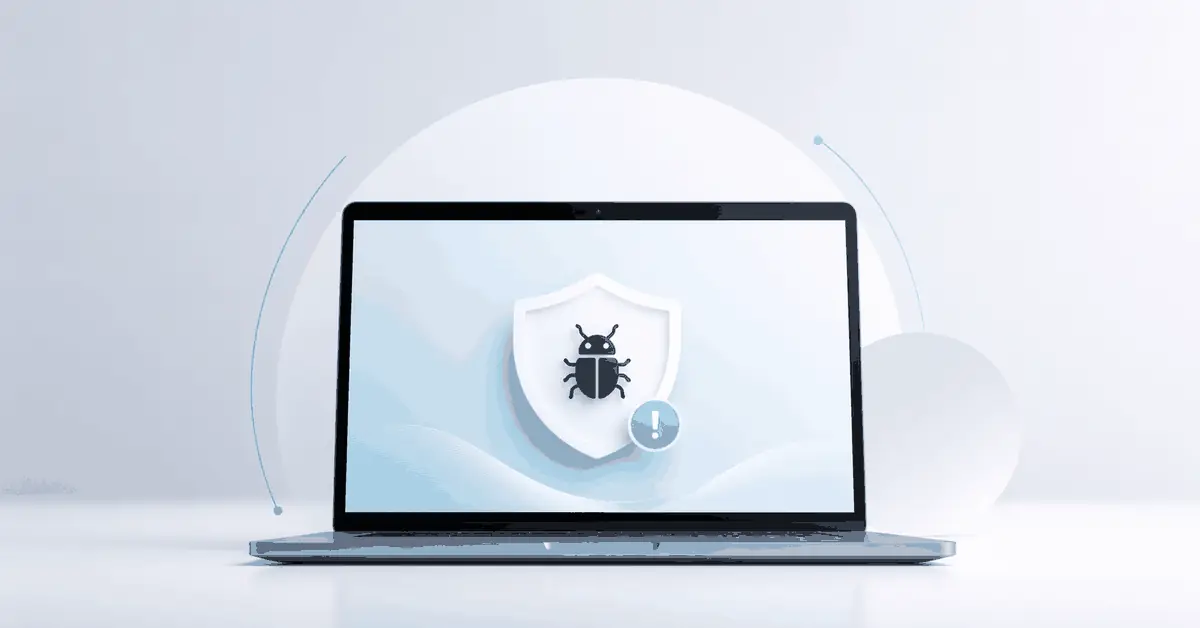
Malware does not always announce itself with a big warning. Sometimes the clues are smaller: popups, strange browser behavior, new toolbars, security alerts, random slowdowns, or programs opening on their own.
A computer that suddenly feels different without a clear reason deserves attention. If the changes show up around web browsing, email, or downloads, the risk goes up.
Spotting the warning signs early gives you a better chance to protect the device and your accounts before the problem spreads.
Disconnect risky connections
If you think malware may be active, limit the damage first. Disconnect from risky websites, stop opening suspicious email, and consider taking the device off Wi-Fi if the problem looks serious.
This does not solve the infection, but it can stop more downloads, more popups, or more communication with a malicious source. It also reduces the chance of the issue getting worse while you are deciding what to do next.
A calm first response is usually better than panic clicking through random cleanup suggestions.
Stop clicking unknown popups
Many malware problems get worse because people keep clicking. Fake warnings, fake updates, and fake cleanup buttons often appear designed to look urgent. They are trying to get one more action out of the user.
If a popup looks suspicious, do not trust it just because it uses the word security. Close the browser if possible, avoid giving permission to unknown prompts, and do not enter passwords into pages you do not trust.
The safest move is often to stop, step back, and verify before taking any action.
Run a trusted scan
A trusted malware scan is a smart early step when the device still runs well enough to work with. Use reputable security software, update it first if you can do so safely, and let it check the system thoroughly.
The goal is to confirm whether the issue is real, remove what can be removed, and learn whether the problem looks mild or deeper. One scan may not answer every question, but it gives you a better starting point.
If the computer is unstable or the warnings are severe, professional cleanup may be the safer path.
Check browser extensions
Browsers are a common place for trouble to hide. Bad extensions, changed search engines, and strange home page settings can all create symptoms that feel like a bigger infection.
Review the extensions and remove anything you do not recognize or no longer use. If your browser keeps redirecting, opening odd pages, or showing more ads than normal, this check is especially important.
A cleaner browser can remove a surprising amount of frustration and risk.
Review passwords and accounts
If malware may have exposed your system, your accounts may also be at risk. Email, banking, saved passwords, cloud storage, and business logins should all be reviewed carefully.
Change important passwords from a clean device if possible, especially if you typed them on the infected computer after the issue started. Enable stronger login protection where you can.
It is easier to recover from malware than from identity or account loss, so do not ignore this step.
Watch banking and email
Banking and email are two of the most sensitive areas affected by malware. Email can be used to reset other accounts, and banking access can create immediate financial risk.
If you notice login alerts, unfamiliar messages, or odd activity, take it seriously. Contact the proper service when needed and monitor for anything that does not look right.
Customers often focus only on the computer and forget that the real danger may be what the malware can reach through the computer.
Back up important files
If the device still allows safe access to files, protect the important data as soon as practical. Documents, photos, customer records, and key work files matter more than the machine itself.
Backups should be done carefully so you do not spread the problem to another device or overwrite a safe copy. When in doubt, ask for help before moving too much data around.
A protected backup gives you more freedom to clean or rebuild the system without fear.
Do not keep guessing
A lot of time gets wasted when people try random fixes that do not match the real problem. One tool says scan, another says reset, and a third suggests wiping everything. Guessing can turn a manageable case into a larger mess.
A good diagnosis looks at the symptoms, the warnings, the browser behavior, the security history, and the condition of the machine as a whole. That is how you decide whether this is a quick cleanup or a bigger incident.
The sooner the problem is understood clearly, the sooner the right fix becomes possible.
Prevent more damage
Once malware is suspected, the main goal is to avoid making it worse. Stop unnecessary browsing, avoid downloading more utilities from random sites, and do not keep using the computer for sensitive work until it is checked.
That includes shopping, banking, business logins, and important email. A little caution during the first few hours can prevent much bigger trouble later.
Protection comes from restraint as much as from tools.
Know when cleanup is enough
Some malware problems are limited and can be cleaned safely. Others leave enough doubt that a deeper reset or a careful rebuild makes more sense. The right answer depends on what was affected and how trustworthy the machine feels afterward.
If the infection touched core settings, business accounts, or important data, a more careful approach is often worth it. Confidence matters. You should not have to wonder every day whether the system is still compromised.
A proper cleanup should leave the computer usable and trusted again, not only quieter for the moment.
Get help before data loss
If the device is unstable, if important files are at risk, or if you are dealing with business accounts and passwords, it is smart to get help early instead of after the damage spreads.
The best support helps you protect the data, clean the system, and decide whether the machine is safe to keep using. That keeps the focus on the result that matters most: security with as little disruption as possible.
When malware is handled early and carefully, recovery is usually much easier.
Written by Dragline Data LLC, Edgewater, Florida.